Enable Instagram Messages for ManyChat
1
Open Instagram
Open the Instagram app on your phone.
Go to your Jan Malone | Halifax Realtor profile.
2
Tap these, in order
Tap the pink circle on each screen.
AMenu ☰ (top right)
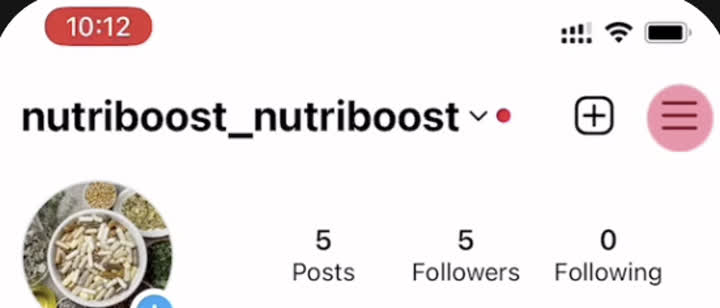
BSettings and privacy

CMessages and story replies

DMessage controls

3
Turn it ON
Scroll down to Connected tools.

Turn ON "Allow access to messages"
4
Text Andrew "Done"
That's it. Andrew does the rest.
✓
This turns on Connected Tools in Instagram (also called Partner Messages), so ManyChat can work with your messages.